Book Details
Unlock the full power of CapCut Pro 2026 and take your video editing skills to the next level with this practical, beginner-friendly guide designed for creators, content marketers, vloggers, filmmakers, and social media professionals.
CapCut Pro 2026 Guidebook: Step-by-Step Instructions for Professional Editing, Effects, and Automation provides a complete walkthrough of CapCut's newest tools and features, helping you confidently create professional-quality videos for YouTube, TikTok, Instagram, Facebook, online courses, business promotions, and cinematic storytelling.
Whether you are opening CapCut for the first time or upgrading your editing workflow, this guide breaks down every major feature into clear, easy-to-follow lessons that make learning simple and enjoyable.
Inside this book, you will learn how to:
Navigate the CapCut Pro 2026 interface with confidenceImport, organize, and manage video projects efficientlyCut, trim, split, and arrange clips like a professional editorApply transitions, cinematic effects, and motion graphicsUse advanced text animation, captions, and subtitle toolsMaster color correction and cinematic color grading techniquesEnhance audio quality with music, sound effects, and voice toolsCreate short-form viral content for TikTok, Reels, and ShortsUse AI-powered automation tools to speed up editing workflowsWork with templates, filters, overlays, and green screen effectsExport high-quality videos optimized for different platformsAvoid common editing mistakes and improve storytelling skills
This guide also includes practical editing tips, creative workflow strategies, and real-world examples that help you edit faster while producing polished and engaging content.
Written in a clear and approachable style, CapCut Pro 2026 Guidebook is more than just a manual—it is a complete creative companion for modern video creators who want to edit smarter, create better content, and stand out in today's competitive digital world.
No confusing technical language. No unnecessary complexity. Just step-by-step guidance that helps you turn your ideas into professional videos with confidence.
Author Description
Precious Hanny is a creative video editor, digital content strategist, and multimedia educator with a passion for helping creators turn simple ideas into professional-quality visual stories. With extensive experience in mobile and desktop video editing, social media content production, and digital storytelling, she has developed practical expertise in modern editing platforms, especially CapCut Pro.
Known for her clear teaching style and hands-on approach, Precious specializes in simplifying advanced editing techniques for beginners, content creators, influencers, entrepreneurs, and aspiring filmmakers. Her work focuses on making professional editing tools accessible and easy to understand without overwhelming readers with complicated technical terms.
Through CapCut Pro 2026 Guidebook: Step-by-Step Instructions for Professional Editing, Effects, and Automation, she shares practical workflows, creative editing strategies, AI-powered automation techniques, and professional tips that help readers create engaging videos for YouTube, TikTok, Instagram, Facebook, and other digital platforms.
Precious believes that great editing is not only about effects and transitions, but also about storytelling, creativity, and connecting with audiences through compelling visual content. Her mission is to empower creators with the confidence and skills needed to produce polished, modern, and impactful videos in today's fast-changing digital media space.
When she is not writing or editing videos, Precious enjoys exploring new creative technologies, studying visual trends, and experimenting with innovative content creation techniques.
Read this book in our EasyReadz App for Mobile or Tablet devices
To read this book on Windows or Mac based desktops or laptops:


 Your cart is empty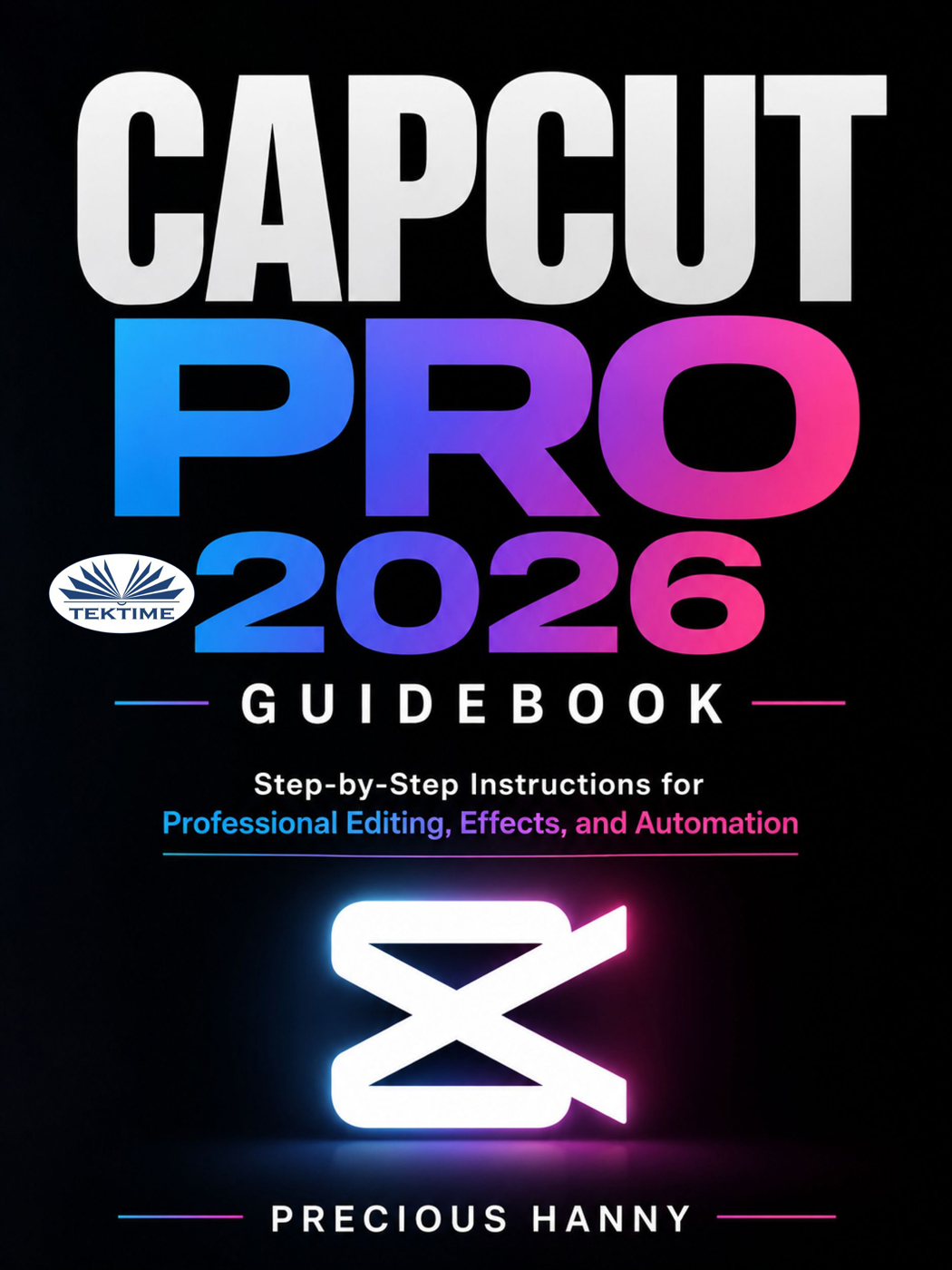
 Sneak Preview




![Ladakh: A Traveller’s Companion [A Personal Journey to the Roof of India]](https://www.ebooks2go.com//cmsstatic/product/9781545767160.jpg?browse "Ladakh: A Traveller’s Companion [A Personal Journey to the Roof of India]")